
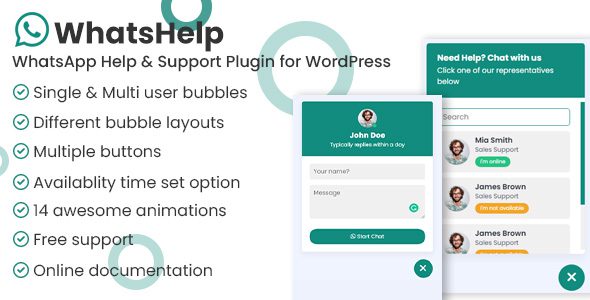
WhatsApp Chat Help WordPress add a customizable WhatsApp chat bubble, WhatsApp Chat Button for WordPress, or form to your WordPress site in minutes. Engage visitors with floating chats, WooCommerce buttons, shortcodes, and more.
Demo WhatsApp Chat Help WordPress CodeCanyon 42973936
WhatsApp Chat Help WordPress Features
- Enable a search field to help users quickly find the right agent in multi-agent layouts.
- Show or hide buttons based on pages, posts, product types, or user device.
- Place WhatsApp Chat Button for WordPress anywhere — pages, posts, widgets, or sidebars — with full Gutenberg and shortcode support.
- Control visibility by page, post, product, category, tag, or even device type.
- Integrate with third-party systems using webhooks to store or process form submissions.
- Fully customize button colors, position, icon style, animation, and tooltip.
- Get full access to your leads, form data, and rich metadata from the admin panel.
- Optionally send selected agent data to third-party tools via webhook integration.
- Set custom availability times and timezones for each agent individually.
- Add either Simple (icon + text) or Advanced (photo, name, title) button styles using shortcodes or blocks.
- Use WhatsApp personal, business, or group links for direct product-related inquiries.
- Set availability and timezone settings to control when the WhatsApp Chat Button for WordPress is visible.
- Smart timezone and availability settings to show or hide the chat bubble based on your schedule.
- Add unlimited form fields, including text, email, phone, and select options.
- Control where and when the bubble appears with advanced visibility and device targeting.
- Choose between list or grid layout styles for displaying multiple agents.
- Place buttons directly on single product pages to boost engagement and reduce cart abandonment.
- Choose from multiple layout variations to match different use cases and content types.
- Set availability schedules and redirect users only when you’re online.
- Automatically include product details in the message using dynamic tags like {productName}, {price}, {sku}, and more.
- Acts as a direct WhatsApp link — no popup, just tap and chat instantly.
- Seamlessly integrate with external systems using webhook support for message tracking or lead collection.
- Use WhatsApp personal, business, or group links to enable direct messaging or group joining.
- Choose between Simple (icon + text) and Advanced (photo, name, title) button styles.
- Customize the WhatsApp message template to include submitted form data.
- Use WhatsApp personal or business WhatsApp messaging.
- Fully customize background color, text style, and optional agent image.
- Customize WhatsApp Chat Button for WordPress visibility based on device type.
Download WhatsApp Chat Help WordPress
Note: If you are having trouble with WhatsApp Chat Help WordPress Plugin Free Download Latest Version, try to disable AdBlock for the site or try another Web Browser. If disabling Ad Blocker or change Web Browser not help to you, please contact us.